

Create AI Thumbnails : if you want to earn money in this AI era, then you could try this amazing and laziness method using AI. because everyone want to become an creator on social media and YouTube.
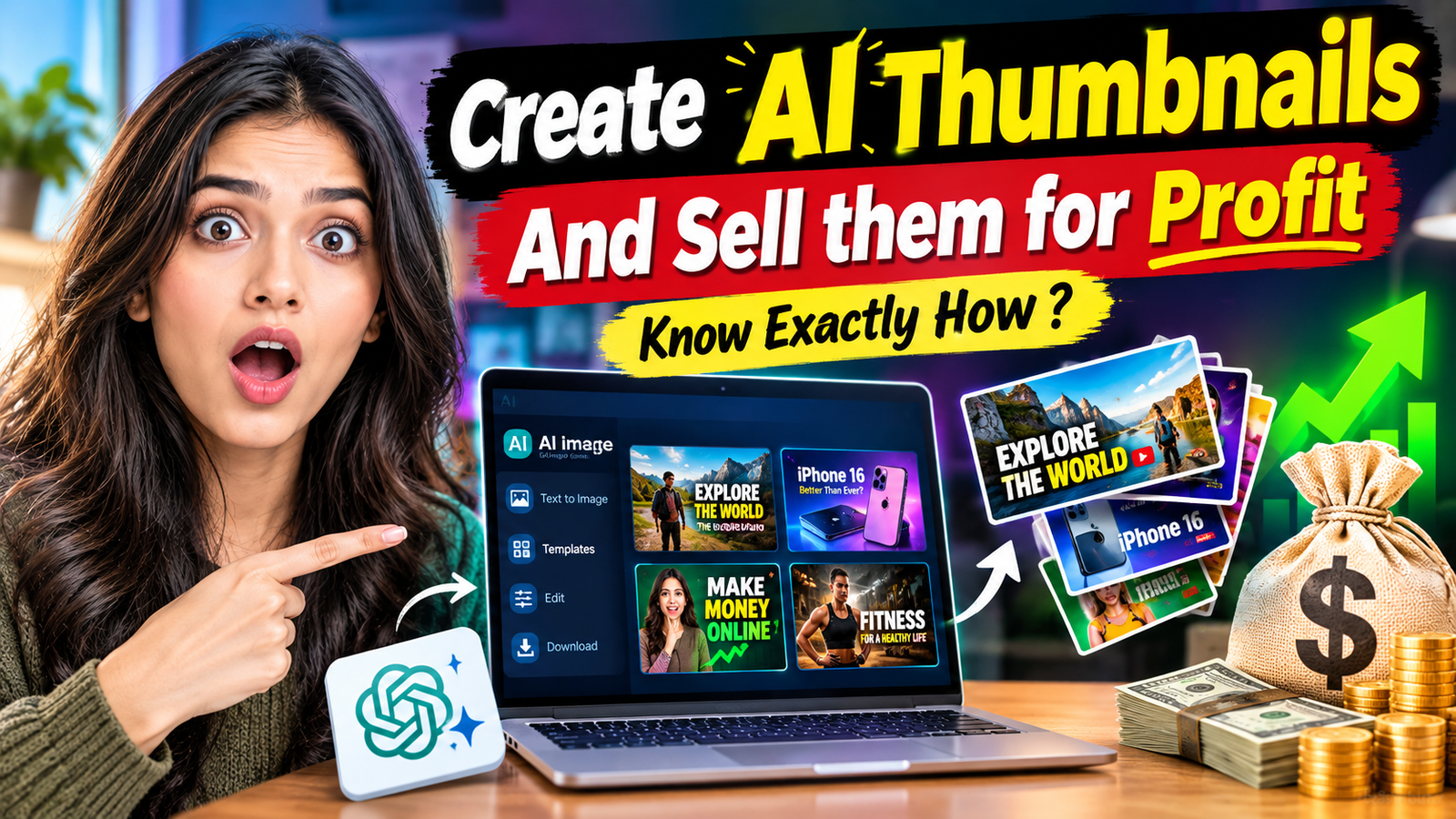
some times they don’t have time to create Video Thumbnails and cover image for their videos . who are regularly posting videos.
but if you are AI Person, you can create these types personalized Thumbnails and sell them. in this method you just need only internet, mobile phone or Laptop. in this way you can also sell logos to business.
In this article We are going to show you how you can create intractive thumbnails for youtube and instagram. also you can create amaizing logo using this simple prompts.
Create AI Thumbnails And Sell them
First of all, in this method you just need to good prompt for AI tools and explain them your idea, to AI tools , then it will create amazing creative thumbnails.
There are a lot of tools Specially made for Thumbnails and poster desing and also there are lot of tool for logo desings. you just need to search on google for thumbnails generator. so find it any and then create it.
Using this simple method you can do your work from anywhere or just sitting at home as a freelancer. Let’s Start step by step guide.
How to Create AI Thumbnails and Logos ?
Thisi is very simple and creative things to create AI Thumbnails and Logos in this time. before comming AI , Its was very difficult task. you need to understand Graphics desing software like photoshop.
At this time in AI world you just need simple Prompt writtig skill and an AI tools. with that you can create it like professional. now in this tutorial i will show you how you create Thumbnails and Logos. and also you can create poster in different sizes.
- Go to ChatGPT, and Create or Login to your Account fist.
- Prepare thumbnail idea.
- Like What type thumbnails do you want to make. if you have any specific idea then type in ChatGPT in your Native Languadge.
- Then if you want to create thumbnails like your favourite creator, so you need to give screenshot and you can paste any thumbnails here.
- Then Write Your Thumbnails Prompt . Keywords to put on thumbnails, Icon, Man/woman or any sitckere, then Hit Enter Button.
- After some times your thumbnails Poster Will be generated .
- do not forget to Mention thumbnails or poster size.
- Means if you are going to make this for short video you can type size 9:16 Ratio, Or if you want to make thumbnails for Long Video you can type 16:9
Create a highly clickable, professional YouTube thumbnail in 1280 × 720 pixels (16:9 aspect ratio) based on the provided reference image and the given video topic. Make the thumbnail visually attractive, modern, realistic, and optimized for high click-through rates. You can change the background, lighting, colors, contrast, composition, and visual effects to make the thumbnail more engaging. You may add a realistic-looking girl with a shocked or surprised expression, relevant emojis, arrows, highlights, and bold, readable English text if required. However, do not change anything important from the original reference image. If a product is shown, its design, shape, color, branding, logo, model name, and original appearance must remain exactly the same.
If a person is shown, do not alter their face, identity, or important facial features. If a screenshot, software dashboard, or user interface is provided, do not modify its layout, buttons, logos, or essential details. Do not replace the main subject with another product, add incorrect information, or introduce unrelated objects. Preserve all important details from the reference image and make creative changes only to the background, layout, lighting, and supporting elements. Use short, powerful, accurate, and grammatically correct text that is directly related to the topic. Do not add text if it is not requested. Ensure that the final thumbnail looks premium, sharp, realistic, visually balanced, and easily understandable even at a small size. Before finalizing, carefully check that the original subject and all essential details remain unchanged, while the overall design is more attractive and attention-grabbing.
As I already told you that there are a lot of tool made specifically for thumbnail designer. you can find them on google by searching AI Powered thumbnail Generator. and also some website are available that also can do create same thumbnails as your favorite creator made. you can use as template.
If you do not want to use ChatGPT, you can use Google Gemini, Google Flow and Canva AI as well. Canva is also popular graphic designing tool. popular in creator field. there are lot of canva professionals.
In Canva.com , you can also find readymade template for YouTube Shorts and Long Video as well. and also create AI video.
How to Create Logos for Brands ?
If you go with traditional method for creating logos. you can use photoshop. and spent to hours on designing. and prepare concept. but at this time you can also create Logo using AI. first of all you need to understand which type logo you want to create like Simple but Attractive text logo, Icon based logo or Logo for social media profiles.
Decide these and then if you have any idea about that. like logo color, industry icon. you can tell it to ChatGPT, or Logo Generator. i have created logo for this site TechPocketNews.com using ChatGPT. this is simple text logo but looks great.
you can do same using AI. on the internet there are a lot of tool for that can demand money to get your logo after generating. so first you need to check their plan. if i talk about me, i would love to create my logo using OpenAI’s Tool ChatGPT. you can tell me whats your favorite tool in comment box.
Exactly Same thing you can use for creating poster and banners for your client. now we are going to discuss how you can find client for your freelancing work.
Find Client for Thumbnails Works ?
Finding Client for YouTube Thumbnails work and Brand Logo. you can use YouTube because there are a lot of creator they need to thumbnails designer. just emailed them to find out their email. mostly you can find it in their about us or video description. Because many creator leave their email id in description for promotional work.
if you did not find then you can also find it in channel about pages. go to their youtube channel URL and click on About Pages. then click on learn more button . at there you can find that email id. it need to varify security checkup captcha. then it will show you creator Email ID.
I Hope You Will Understand this method. write it in comment. after this you just need to emailed them, Like I need Thumbnails designer work. here are some my thumbnails that i have created, if you need this type thumbnails. you can ask me . i can share more about details and sample for your next video thumbnails.
So before sending these email download Mail Tracker Chrome Extension by mail suite. and sign in with your gmail id. then you can tract that creator read or not your email.
if the creator not read, you can send another email with another subject line. who read but not reply, can be send follow ups.
My Name is Ramanujan Yadav Based in Madhya Pradesh. I did many experiment with AI and made also some money. and also I love to read and Write About Tech and AI Make Money Ideas.
good post