

AI News And Update – As you all know, Google is still leaving behind all the companies in terms of artificial intelligence technology. To beat OpenAI and CHATGPT, Google has once again done a miracle that the Google Gemini app has been launched in Windows.
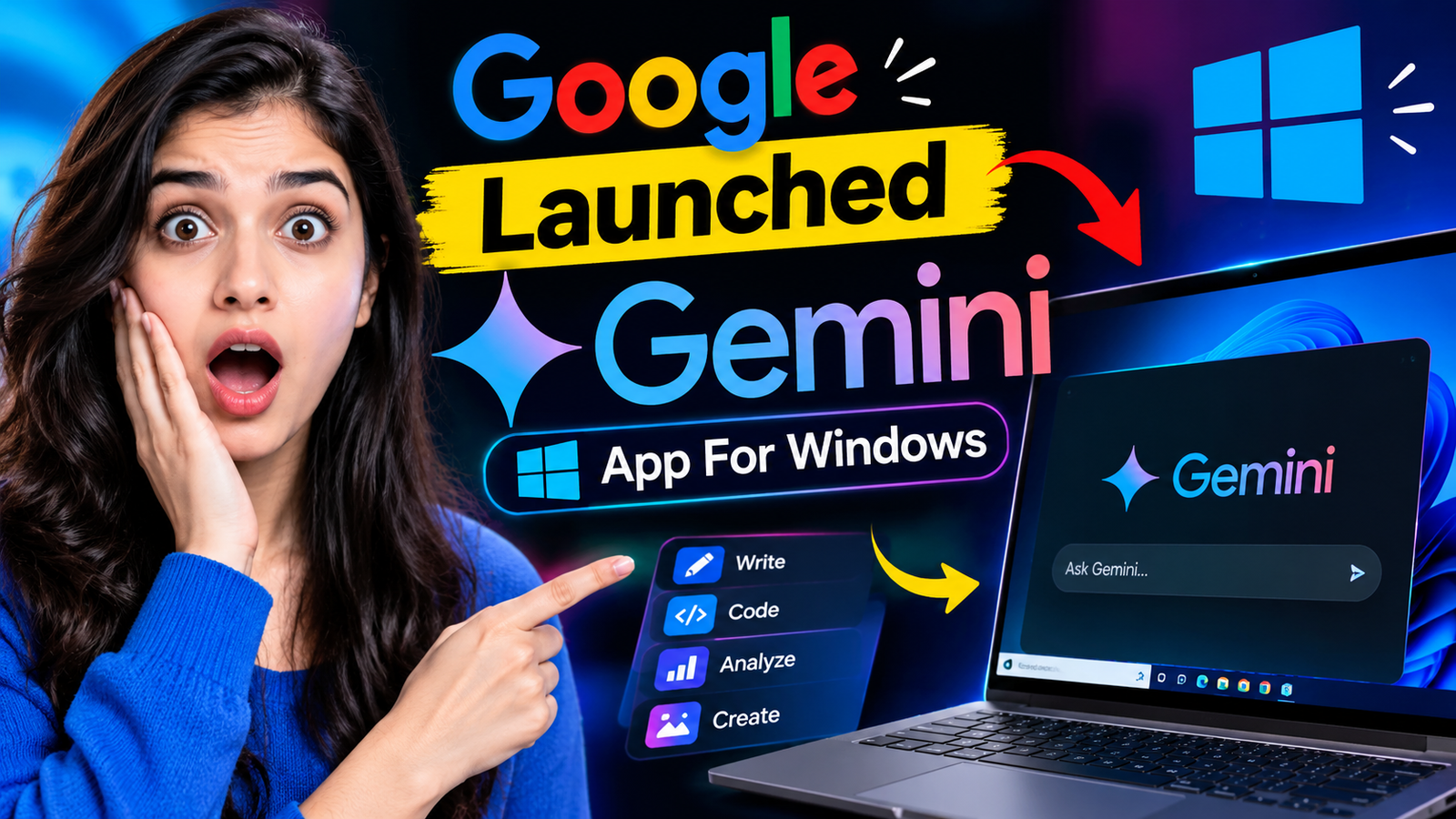
This means that until now you used to use Gemini by opening Chrome or any browser, but this app can be downloaded in the Windows operating system. Not only this, you can also open it with the help of shortcut keys. So if you want to know the news of the world of Artificial Intelligence, then you can read this entire article.
Google Launched Gemini App For Windows
For all those interested in Artificial Intelligence technology, there is a good news that a giant company like Google has launched the Gemini App for Windows operating system. Now you can easily run it through a shortcut key.
Before this, whenever you had to access Google Gemini on a computer, you used to open the browser and then go to the official website of Gemini. After that, you can perform multiple tasks. This includes access to Google Sheets, documents, presentations, and more.
But that won’t happen now. You don’t need to open the browser to run Google Gemini. For this, Google has launched the Gemini App for Windows, after which you can easily run it by downloading it with the help of quantity shortcut key.
Not only this, Google says that the Gemini App has been made to work by linking with other apps of Google itself. Apart from this, in the coming days, Google plans to add more features to the Gemini App with Windows.
What’s Special In Windows Gemini App ?
Google has said in its block post that this Gemini App allows users to work without any interruption. In this, users can perform multiple tasks without interruption.
Apart from this, it is going to work as an assistant for the users. As a result, they can do more work in less time. Apart from this, the company is also offering system-wide keyboard shortcuts.
According to this, users can directly access it by pressing ‘Alt + Space’ and ask any question. Or I can generate the history to do my project.
Not only this, using this shortcut key at any time while working on your computer, you can activate this app and as soon as your work is over, you can land back on your project.
You Can Link With Multiple Google Apps
Along with this, Google has shared in its block post that this gemini app can be linked with all Google products, including all apps like Google Drive, Sheet Documents and so on. By linking with it, you can make any staff perform better and create a better data dashboard.
Who needs a dedicated work express to perform a big task? The company has provided this space for them. Under this app, images can be generated using nano generation and the video generation will be handled by Google Omni. The company says that this app has been made very lightweight. So that Smoothly can run on your PC.
How To Download Gemini App For Windows?
You need to download the Gemini app for Windows. You have to go to the gemini.google/desktop link or you can also come to this link by searching directly on Google.
After this, you will get the option to download for Windows and Mac. By downloading and activating it, you can login to your Google account and then do your work by linking with other Google’s apps.

My Name is Ramanujan Yadav Based in Madhya Pradesh. I did many experiment with AI and made also some money. and also I love to read and Write About Tech and AI Make Money Ideas.
Logging in is quick and painless which means I spend more time enjoying the games instead of fighting with accounts. I love how secure everything feels while still being straightforward to navigate. The regular promotions actually reward loyal players like me and that means a lot. It is rare to find a spot that balances security and simplicity this well. Come see for yourself why abc8bdloginapp keeps us satisfied. abc8bdloginapp